💡 The Quick Answer: A Surge Protector is a shield that stops high-voltage spikes from frying your gear. A UPS (Uninterruptible Power Supply) is a battery backup that keeps your devices running during a blackout. They are not the same, and a high-end smart home needs both to stay online and healthy.
🛡️ 1. The Surge Protector: Your First Line of Defense
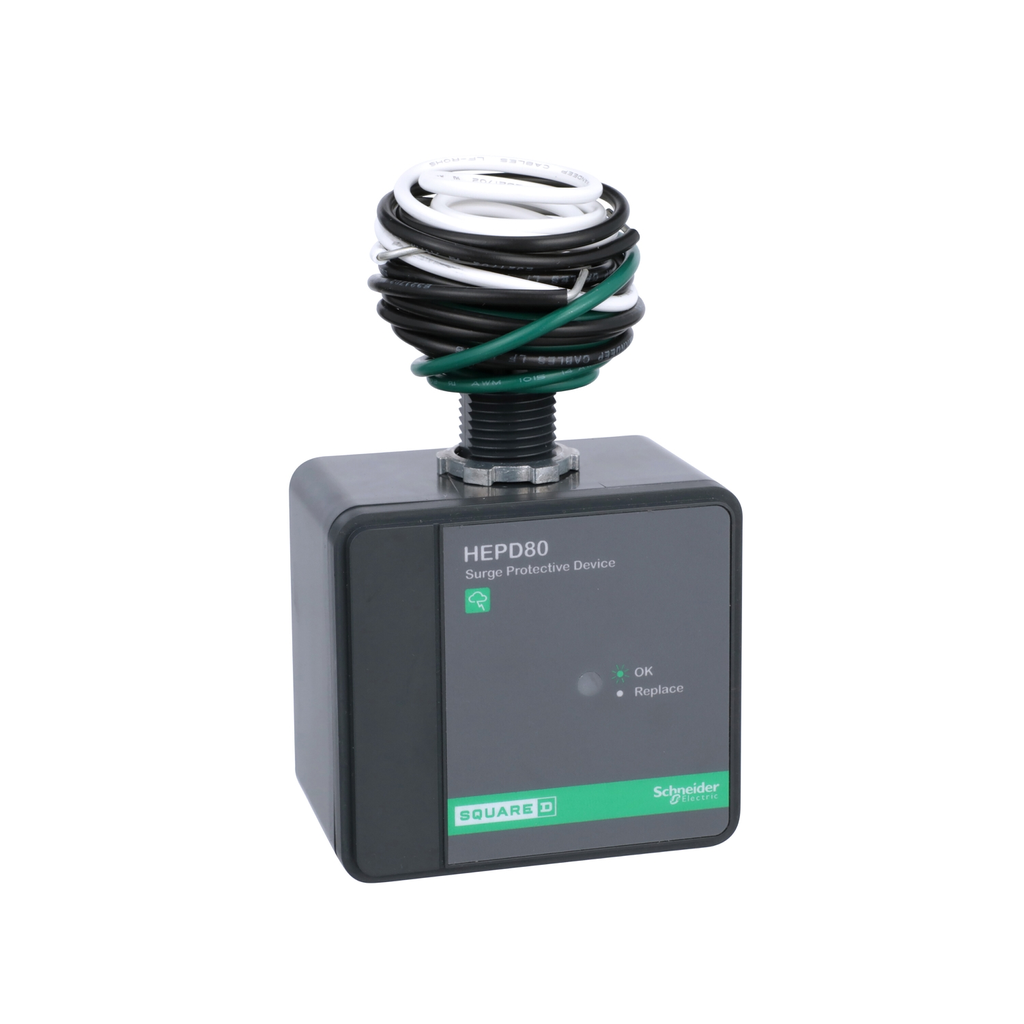
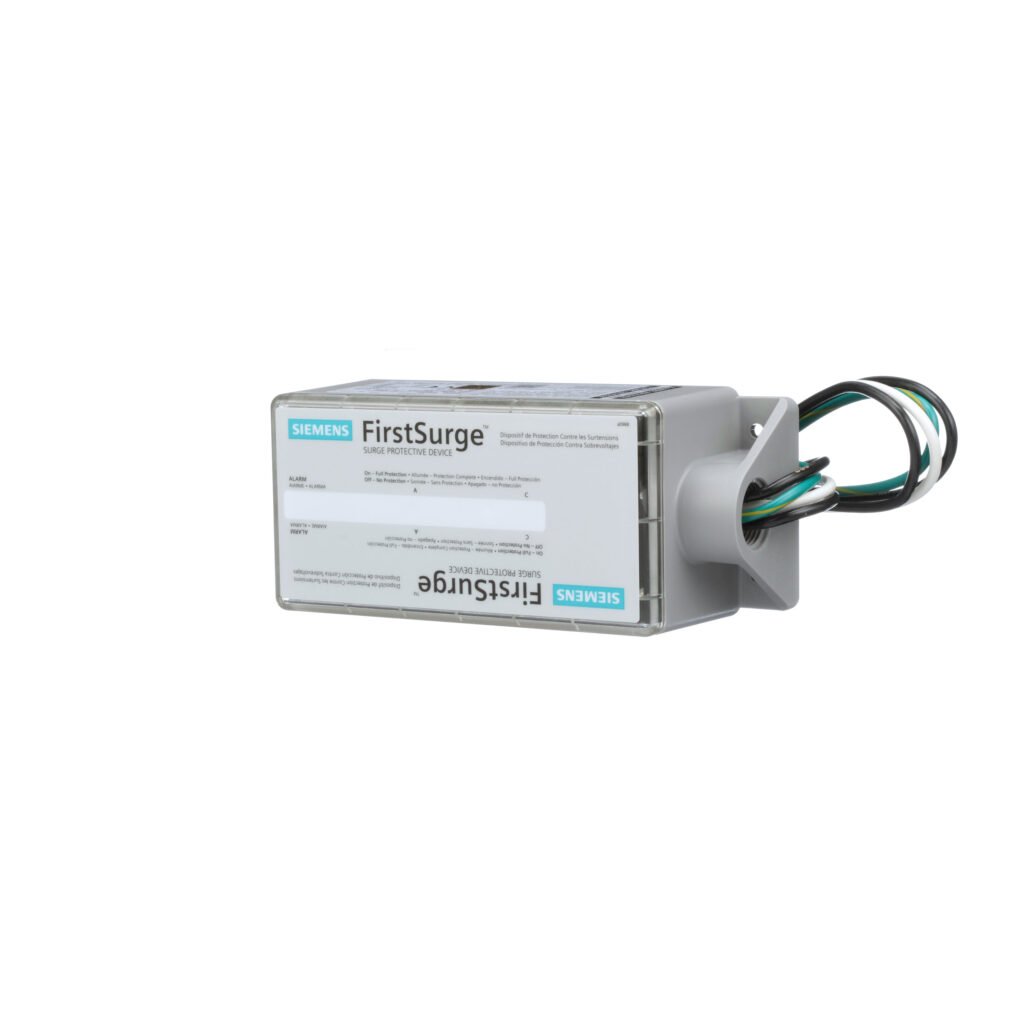
A surge protector is designed for one specific job: Protection. When lightning strikes nearby or the power grid fluctuates, a massive “surge” of electricity travels through your wires. Without protection, this voltage fries the delicate circuits in your smart plugs, LED drivers, and appliances.
- How it works: It uses a component called an MOV (Metal Oxide Varistor) to divert excess voltage to the ground wire.
- What happens during a blackout? Nothing. If the power goes out, your devices turn off instantly.
- Best for: “Dumb” devices or simple smart gear. Think smart lamps, coffee makers, and monitors.
🔋 2. The UPS: The Savior of Your Data and Uptime
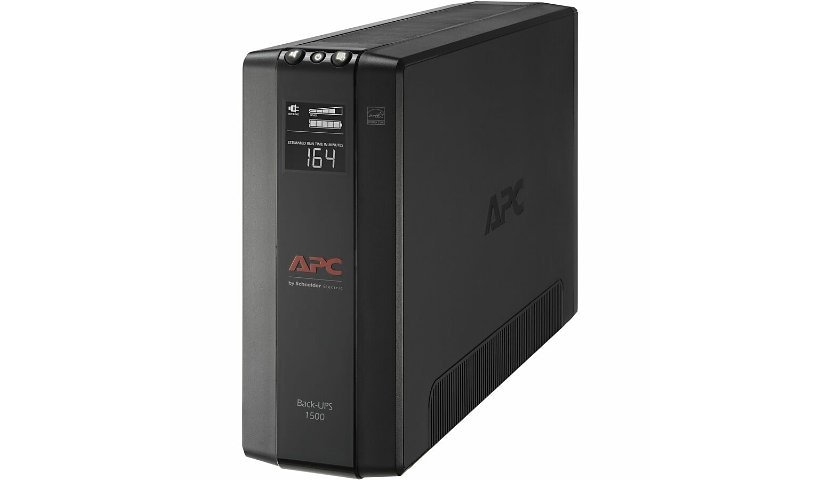
A UPS is a different beast entirely. While most include surge protection, their primary purpose is Power Continuity.Inside every UPS is a battery and an inverter. When the voltage drops or the power cuts out completely, the UPS takes over in milliseconds. Your devices never “feel” the outage.
- How it works: It constantly monitors the incoming power. If it fails, it switches to its internal battery to keep your gear running long enough to shut down safely or ride out a short flicker.
- Why it’s vital for Smart Homes: Smart hubs (like Home Assistant, Hubitat, or even your Router) are essentially small computers. If they lose power while writing data, you can suffer firmware corruption, meaning your entire smart home setup could disappear.
- Best for: Routers, Modems, NAS (Storage) drives, and Smart Home Hubs.
📊 3. At a Glance: Key Differences
| Feature | Surge Protector | UPS (Battery Backup) |
| Primary Goal | Blocks “Too Much” Power | Provides “Missing” Power |
| Blackout Response | Device turns off immediately | Device stays on (Battery) |
| Internal Tech | MOVs and Fuses | Battery, Inverter, and Charger |
| Maintenance | Replace every 2-3 years | Replace battery every 3-5 years |
| Price | Affordable ($15 – $40) | Investment ($60 – $200+) |
🧠 4. Why “Smart” Homes Require a Strategic Mix
In a modern smart home, you shouldn’t choose one over the other. You should deploy them based on the “intelligence” of the device:
- ⚡ Use a UPS for your “Brain” (The Nerve Center): Your internet connection and your smart hub are the heart of your home. If the power flickers for 1 second, a router takes 3-5 minutes to reboot. During that time, your security cameras aren’t recording and your smart locks aren’t communicating.
- 📺 Use a Surge Protector for your “Limbs” (The Peripherals): Items that don’t have a complex operating system don’t need a battery. They just need to not be fried by a surge. Use these for your Smart TVs, Soundbars, and motorized desks.
⚠️ 5. Technical Warning: Don’t “Daisy Chain”!
A common mistake is plugging a surge protector into a UPS (or vice versa). This can overload the UPS or interfere with the surge protection’s ability to sense the ground properly. For maximum safety, always plug each unit directly into the wall outlet.
🛒 6. What to Look for When Buying
- For Surge Protectors: Look for the Joule Rating. Aim for at least 2,000 Joules for expensive electronics.
- For UPS Units: Look for VA (Volt-Amps). For a router and a hub, 600VA to 850VA is the “sweet spot” for 30–60 minutes of backup time.
❓ 5 Common Questions About UPS and Surge Protectors
- 1. Can a UPS replace a surge protector entirely? Yes. Most modern, high-quality UPS units come with built-in surge protection. However, check the Joule rating on the UPS box. If you live in an area with frequent lightning, a dedicated high-joule surge protector is still better for “dumb” appliances, while the UPS should be reserved for your electronics.
- 2. How long will a UPS keep my Wi-Fi router running? It depends on the VA (Volt-Amp) rating. A standard 600VA to 850VA UPS can typically keep a standard router and modem running for 45 to 90 minutes. This is usually more than enough time for the power grid to stabilize or for you to shut down your equipment safely.
- 3. Do surge protectors ever “wear out”? Yes, they do. Every time a surge protector absorbs a spike, its internal components (MOVs) degrade slightly. Most have an LED indicator light—if that light goes out, the surge protection is gone, and it’s now just a basic power strip. A good rule of thumb is to replace them every 2 to 3 years.
- 4. Can I plug a laser printer or a space heater into a UPS? Absolutely not. Devices with heating elements or high-draw motors (like laser printers, space heaters, or hair dryers) pull a massive amount of current when they start up. This will instantly overload a standard UPS and could damage the battery or the internal circuitry.
- 5. Is it okay to leave a UPS plugged in all the time? Yes. In fact, they are designed to stay plugged in 24/7. The UPS keeps its internal battery topped off and ready to go. If you unplug it, the battery will slowly discharge over time, which can actually shorten its lifespan.