If you’re just getting started with home automation, one of the first questions you’ll run into is simple: do you plug a smart plug into your existing outlet, or do you replace the outlet itself with a smart one? Both get you app and voice control over whatever’s plugged in, but they solve different problems — and picking the wrong one for your situation means either wasted money or a frustrating reinstall down the road.
Smart Plugs vs. Smart Outlets: The Core Difference
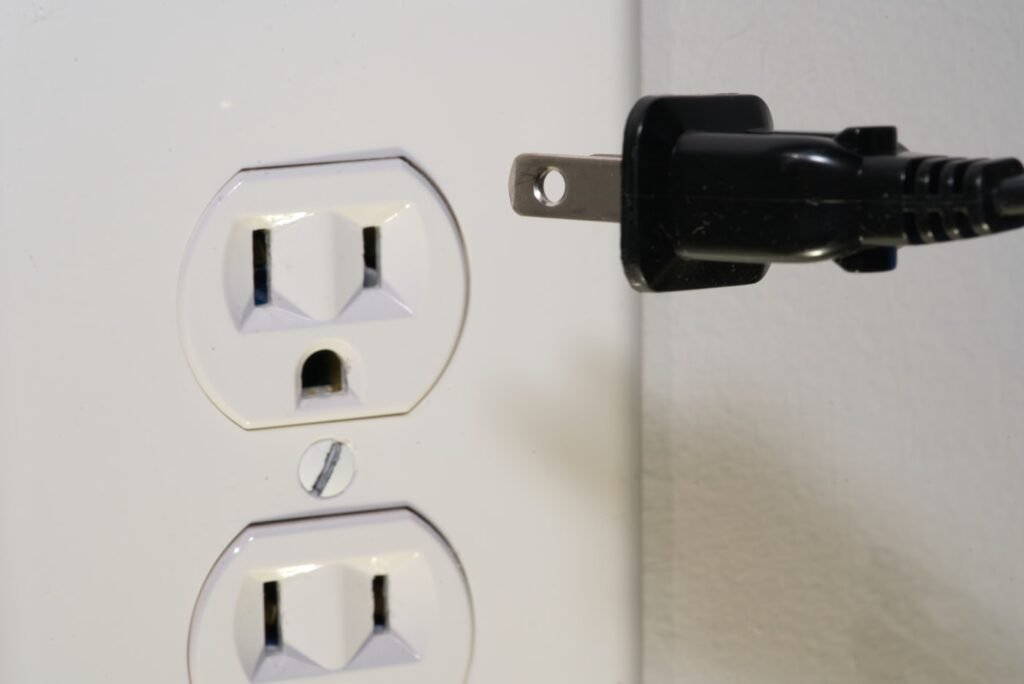
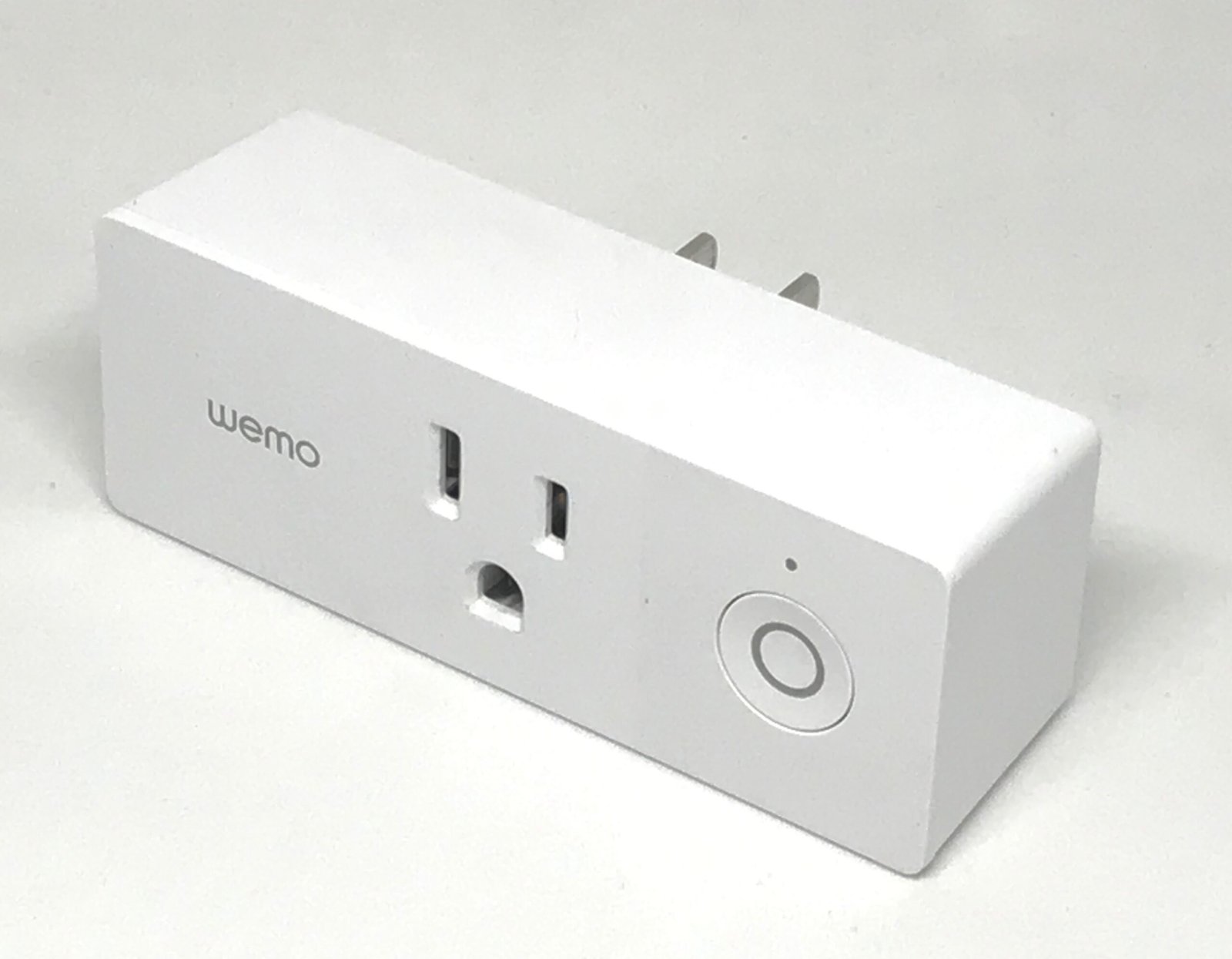
A smart plug is a small adapter that sits between your existing wall outlet and whatever you’re powering — a lamp, a fan, a coffee maker. No wiring, no electrician, just plug it in and connect it to your WiFi. A smart outlet replaces the physical outlet in your wall, which means it requires basic electrical work (or an electrician, if you’re not comfortable with it) and typically a neutral wire already present in the wall box.
The tradeoff is straightforward: plugs are cheap, fast, and reversible. Outlets are permanent, blend into the wall, and — in the case of duplex models — let you control two devices independently from a single outlet without an adapter hanging off the wall.
When a Smart Plug Makes More Sense
- You’re renting, or you just don’t want to touch your home’s wiring
- You want to test whether automating a device is actually useful before committing to anything permanent
- You need something portable — a plug can move with you to a new apartment or a different room
- You want to automate a lamp, space heater, or holiday lights rather than a fixed appliance
When a Smart Outlet Makes More Sense
- You own the home and want a permanent, invisible solution — no adapter sticking out of the wall
- You want to control two outlets independently (most in-wall models are duplex, with separate smart control per plug)
- You’re already renovating or doing electrical work in that room
- You want a cleaner look in a visible space, like a living room or kitchen
Compatibility: Alexa, Google Home, Apple Home, and Matter
Most current smart plugs and outlets work with Alexa and Google Assistant out of the box. Apple Home (HomeKit) support is less universal, and it’s worth checking before you buy if that’s your ecosystem. Matter — the cross-platform smart home standard — is increasingly common on newer models and is the safest bet if you want a device that will keep working no matter which voice assistant you’re using in a few years. If a listing doesn’t mention Matter, Alexa, Google, and Apple Home compatibility explicitly, don’t assume it has all three.
Comparison: Top Smart Plugs and Smart Outlets
| Model | Type | Rating | Voice Assistants | Matter |
|---|---|---|---|---|
| Leviton Decora Smart Wi-Fi Plug-In (D215P) | Plug | 15A | Alexa, Google, Apple Home | Yes (firmware) |
| TP-Link Tapo P125M Mini | Plug | 15A | Alexa, Google, Apple Home, SmartThings | Yes |
| Kasa Matter Smart Plug (KP125M) | Plug | 15A | Alexa, Google, Apple Home, SmartThings | Yes |
| Amazon Smart Plug | Plug | 15A | Alexa only | No |
| Tapo In-Wall Smart Outlet (P210M) | Outlet | 15A | Alexa, Google, Apple Home | Yes |
| Eve Energy Outlet | Outlet | 15A | Alexa, Google, Apple Home | Yes (Thread) |
| Leviton Decora Smart Wi-Fi Outlet (D215R) | Outlet | 15A | Alexa, Google, Apple Home | Firmware update |
Prices and specifications change often — always confirm current pricing, amperage rating, and compatibility on the retailer’s product page before buying.
Safety and Load Considerations
Both smart plugs and smart outlets are typically rated for 15 amps, which covers lamps, small appliances, and most electronics. They are not a substitute for surge protection — a smart plug controls power on and off, but it doesn’t protect the device behind it from a voltage spike. If you’re automating anything expensive (a TV, a networking router, a game console), pair the smart plug or outlet with proper surge protection rather than relying on the smart device alone. Also avoid running high-draw appliances like space heaters or window AC units through a smart plug unless it’s explicitly rated for that load — check the amperage rating on the device before you buy.
Our Recommendation
If this is your first step into home automation, start with smart plugs. They’re inexpensive, require zero electrical work, and let you figure out which devices actually benefit from automation before you commit to anything permanent. Once you know you want smart control on a specific outlet long-term — especially in a room you’re not planning to leave — a smart outlet is the cleaner, more permanent option. Whichever you choose, prioritize Matter compatibility if you’re not locked into one voice assistant ecosystem yet.
Frequently Asked Questions
Do smart plugs use a lot of electricity themselves?
No. Smart plugs draw a very small amount of standby power to stay connected to WiFi — typically a fraction of a watt — which is negligible compared to what they control.
Can I install a smart outlet myself?
If you’re comfortable with basic electrical work and your home has a neutral wire in the outlet box (most homes built after the mid-1980s do), many people install these themselves. If you’re unsure, hire a licensed electrician — it’s a quick job.
Do smart plugs work without WiFi?
Most smart plugs need WiFi for remote/voice control, though the physical outlet still works as a normal outlet if your network goes down. A few models support local control via Bluetooth or Thread as a backup.