Dead zones are one of the most common complaints in any smart home — a hub that drops connection in the garage, a camera that buffers in the backyard, a phone that won’t hand off between rooms. There are two standard fixes: a WiFi extender, or a full mesh system. They solve the same basic problem but in very different ways, and picking the wrong one means either overspending or still dealing with the same dead zone.
WiFi Extender vs. Mesh System: How They Actually Work
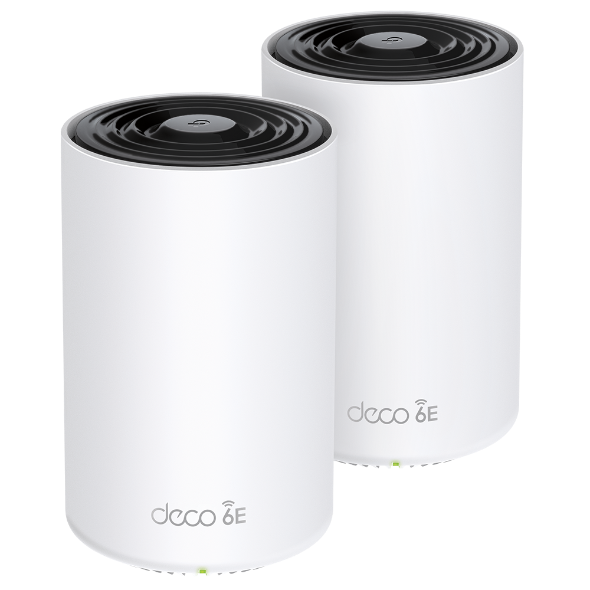
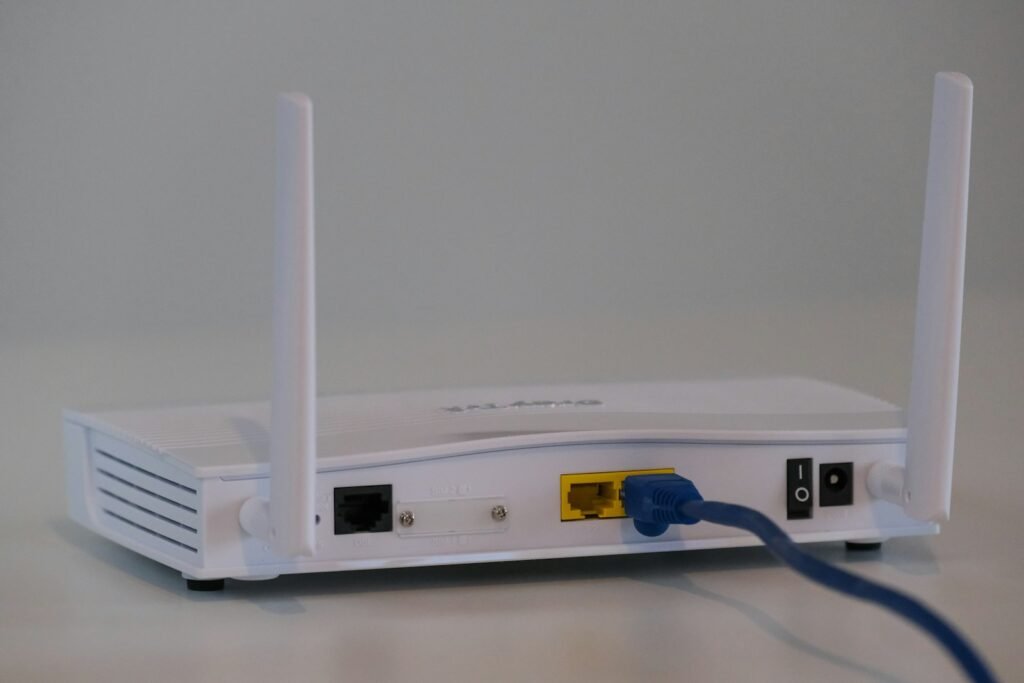
A WiFi extender (or range extender) is a single device that picks up your router’s existing signal and rebroadcasts it further into your home, usually under its own separate network name. A mesh system is a set of two or more matched nodes placed around your home that work together as one unified network — one node connects to your router or modem, and the others communicate with each other to blanket the whole space under a single WiFi name, automatically handing your devices off to whichever node has the strongest signal as you move around.
When an Extender Is Enough
- You have one specific dead zone — a garage, a basement corner, a back bedroom — not whole-home coverage problems
- You’re on a tight budget; extenders start as low as $20-$30
- You don’t mind manually switching networks when you walk between zones, or your devices stay mostly stationary
- You just need to get one smart device — a camera, a smart plug in a shed — connected at all
When You Need a Full Mesh System
- You have consistent weak spots across a larger or multi-story home, not just one corner
- You have a lot of smart home devices — hubs, cameras, sensors — that need reliable, low-latency connections throughout the house
- You want devices to roam seamlessly between rooms without dropping or needing to reconnect (video calls, streaming, security cameras)
- You’re willing to spend more upfront for a system that scales — most mesh kits let you add more nodes later
Speed and Reliability Differences
This is the biggest practical difference. A traditional extender has to receive your router’s signal and then rebroadcast it on the same radio, which can cut effective throughput roughly in half — a real bottleneck if you’re streaming or running several smart cameras. Mesh systems avoid this because nodes are designed to communicate with each other (often on a dedicated backhaul band), so speed holds up much better as you move away from the router. Extenders also force a device to stay connected to one access point even as the signal weakens, while mesh systems actively hand devices off to the strongest node — which matters a lot for a phone or laptop moving through the house, and for smart devices that shouldn’t lose connection at all.
Comparison: Top WiFi Extenders
| Model | WiFi Standard | Rated Range | Best For |
|---|---|---|---|
| TP-Link RE655BE | WiFi 7 | ~90 ft | Best overall, fastest backhaul |
| Netgear EAX17 | WiFi 6 (AX3000) | ~105 ft | Reliable mid-range speeds |
| TP-Link RE705X | WiFi 6 (AX3000) | ~110 ft | Fastest, simplest setup |
| Asus RP-AX58 | WiFi 6 (AX3000) | ~115 ft | Best value |
For full mesh system picks with detailed rankings, see our Best Mesh WiFi Systems guide. Prices and specs change often — confirm current details on the manufacturer’s page before buying.
Our Recommendation
If you’re dealing with one stubborn dead zone in an otherwise fine network, a $20-$40 extender is the fastest, cheapest fix — don’t overspend on a full mesh system for a single-room problem. But if you’re chasing weak spots around a larger home, running multiple smart home devices that need to stay reliably connected, or tired of manually switching networks as you move around, a mesh system is worth the higher upfront cost. It’s the more future-proof choice as you add more smart devices over time.
Frequently Asked Questions
Can I mix a WiFi extender with a mesh system?
Technically yes, but it’s not recommended — extending an already-meshed network with a separate extender re-introduces the exact bottleneck and separate-network issues mesh is designed to avoid. If a mesh system still leaves a gap, add another matched mesh node instead.
Do mesh systems slow down my internet speed?
No — a good mesh system typically delivers faster real-world speeds throughout the home than a single router or an extender, especially in rooms farther from where your modem is located.
How many mesh nodes does a typical home need?
Most 2-3 bedroom homes are well covered with 2-3 nodes; larger or multi-story homes may need 3 or more. Most systems are sold in expandable kits, so you can add nodes later if needed.